Add Access Control Policy to a Relying Party Application
Add the Access Control Policy to a Relying Party Application.
Note:
The following instructions are for ADFS 4. Instructions for ADFS 3 are available from Microsoft at Access Control Policies in Windows Server 2012 R2 and Windows Server 2012 AD FS
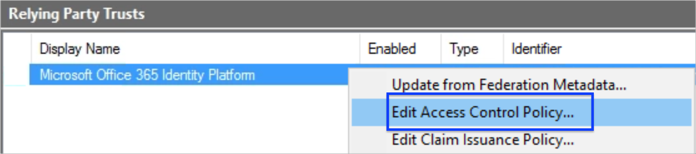
- In the ADFS management console, navigate to Relying Party Trusts.
- Right-click on the application, then select Edit Access Control Policy.

- In the Settings section, click Edit. Choose the Application username format that you want to assign to users that will require this application.
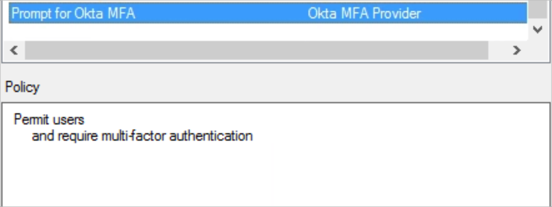
- Select the policy you created in the previous step, then click OK.