Configure the BeyondInsight gateway
Use this procedure to define a RADIUS Server Profile and assign the profile to users in BeyondInsight.
Before you begin
- Ensure that you have the common UDP port and secret key values available.
- Ensure that a Gateway VIP is configured, see Integrate on the Citrix site for more information.
Configure BeyondInsight
-
Sign in to the BeyondInsight console with sufficient privileges.
-
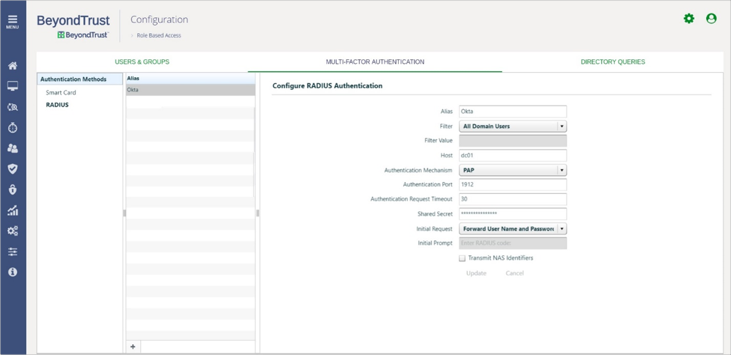
Go to , and then click + to define a new RADIUS server.
-
Enter a unique Alias and then enter the other server settings.
- Go to .
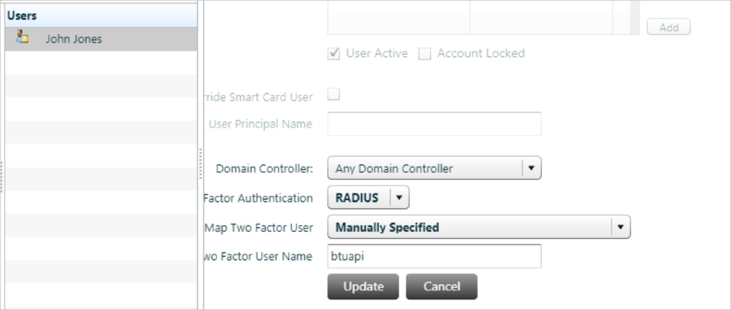
- Select the group that contains the test user, and then select the user.
- Configure RADIUS Authentication for the test user as shown here: