Import users to Office 365 using Microsoft Graph API
You can import users from external directories into Okta and provision them in Office 365 using Microsoft Graph API.
Before you begin
-
Complete Configure Single Sign-On for Office 365.
-
Ensure that you have global admin privileges for your Microsoft tenant.
Procedure
To import users using the Microsoft Graph API, complete the following steps:
Configure API integration
If you've already set up Okta to Office 365 provisioning and provided Microsoft admin consent, you can skip this procedure and start importing from Microsoft Office 365.
You can automate provisioning tasks by enabling API integration and granting admin consent. Office 365 requires a token to authenticate against the Microsoft API. This allows Okta to implement provisioning in Office 365.
-
In the Admin Console, go to .
- Locate and select the Microsoft Office 365 app
- Go to .
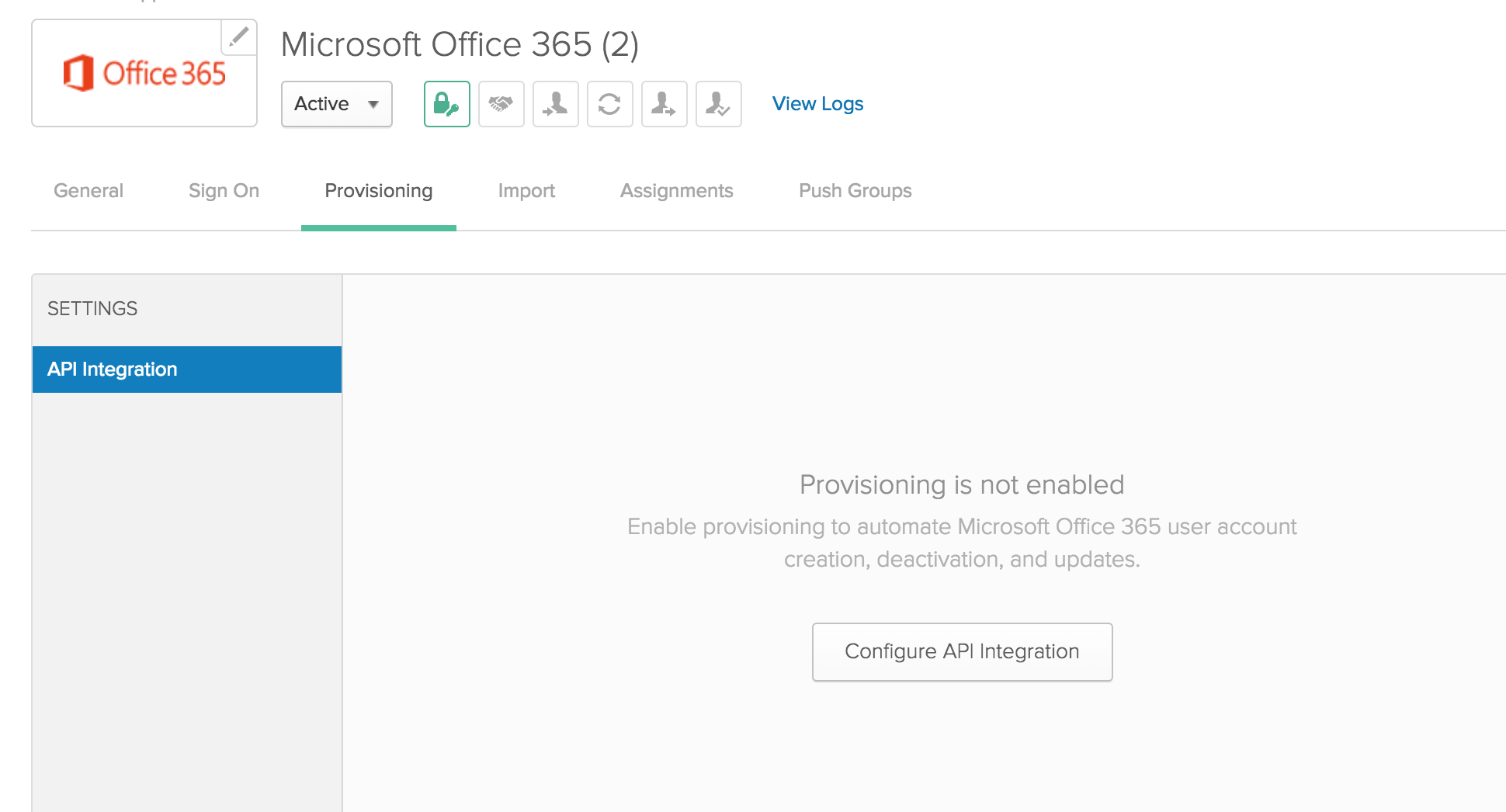
- Click Configure API Integration, and select Enable API Integration.
- Enter your Microsoft admin username and password.
- Click Authenticate with Microsoft Office 365. You're redirected to the Microsoft account sign-in page.
-
On the Microsoft account sign-in page, do the following:
-
Sign in to Microsoft as a global admin for your Microsoft tenant.
-
Read and accept the instructions that are listed on the Okta Microsoft Graph Client page.
-
- Optional. To import groups during this process, select Import Groups.Note:
Okta doesn't support nested group imports from Microsoft Entra ID. Only users who are direct members of the group are imported.
Groups that fail import due to 4-byte UTF-8 characters in the name (such as emojis) are now skipped instead of failing the entire import job. Remaining groups import successfully, and Okta logs failed group details in the System Log for troubleshooting.
- Click Test API Credentials.
- After the credentials are verified, click Save. You can now go to the Imports tab to begin your user import.
Configure imports from Office 365 to Okta
Early Access release. See Enable self-service features.
You can use full imports, incremental imports, or both. An incremental import reads only the users, groups, and roles that changed since the last import. Incremental imports do not track the following changes:
-
Users disabled in Entra ID.
-
Unlicensed users, unless you select Import unlicensed users.
-
Deleted users and groups. If you restore a deleted user or group in Entra ID, Okta imports it as new. Its previous group memberships and roles aren't restored.
-
Groups synced from on-premises Active Directory.
-
Admin roles assigned through a group. Okta imports only admin roles assigned directly to users.
Configure import settings
- On the Provisioning tab, select To Okta.
- In the General section, select values for Full Import Schedule, Incremental Import Schedule, and Okta username format.
- Optional. Select Import unlicensed users to import users from Microsoft Office 365 who have no license assigned.
- Select the appropriate User Creation and Matching values.
- Click Save.
Office 365 imports to Okta include users with blank First name and Last name values.
To run an import manually, complete the following steps:
- Open the Import tab.
- Select Import Now.
- Select Full import or Incremental import.
Okta runs the first two scheduled incremental imports as full imports. This creates the baseline that later incremental imports compare against.
Recommended import schedule
To keep Okta and Entra ID in sync, use the following schedule:
-
Run an incremental import every weekday.
-
Run a full import once a week.
-
Don't let more than three days pass between incremental imports. Otherwise, the next incremental import runs as a full import.
Changes in Entra ID appear in Okta after the next import, not immediately.